5 Etsy Product Sale Scene: Your Mockup Secret Weapon
Let's be honest, creating fresh, professional-looking listing images for your Etsy shop can feel like a constant grind. You need photos that stop the scroll, showcase your digital products in a real-world context, and build that crucial brand trust—all without spending hours on a photoshoot or wrestling with complex software. This is where the right design asset becomes invaluable. The 5 Etsy Product Sale Scene and accompanying Etsy Listings Mockup kit is designed precisely for this challenge, offering a clean, professional aesthetic that instantly elevates your shop's visual appeal.
What Exactly is the 5 Etsy Product Sale Scene?
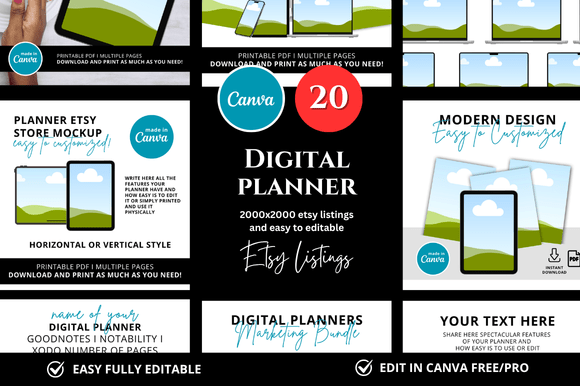
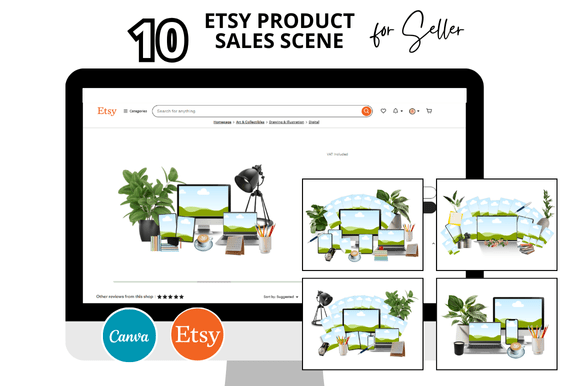
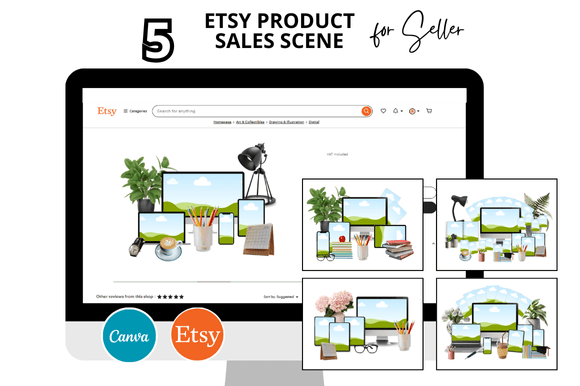
Think of it as a curated set of digital backdrops and frames, specifically crafted for Etsy sellers. This isn't just a random collection of mockups. The "scene" aspect is key—it provides five distinct, stylized environments where your product—whether it's a printable planner, a digital invitation, a social media template, or a Canva design—can be placed realistically. The visual style leans heavily into clean and professional. We're talking about neutral, well-lit settings, often featuring flat lays with complementary props like plants, stationery, or minimalist decor. The personality is modern, trustworthy, and focused, ensuring your product is the undeniable star. The overall appeal lies in its ability to transform a simple digital file into a tangible, desirable item in a shopper's mind.
Why This Mockup Kit Works for So Many Creators
The versatility of the 5 Etsy Product Sale Scene is one of its strongest assets. Its clean, neutral foundation makes it a perfect fit for a wide array of digital products and brand identities. Here’s where it truly shines:
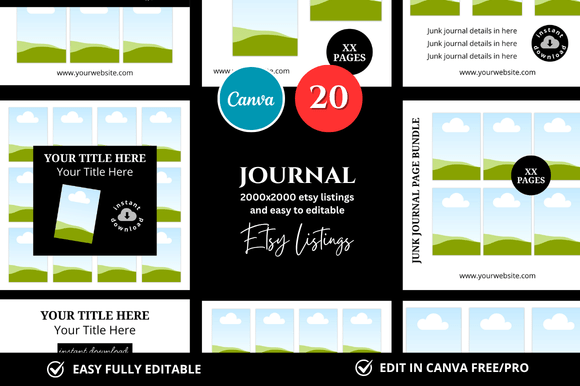
- Etsy Digital Sellers & Printable Shops: This is the core audience. Showcase your planners, journals, wall art, or sticker sheets in a realistic setting that helps buyers visualize the final printed product.
- Graphic Designers & Canva Template Sellers: Present your social media kits, presentation templates, or brand kits professionally. The square listing mockups (2000 x 2000 px) are optimized for Etsy's image requirements, saving you guesswork.
- Bloggers & Content Creators: Use the scenes to create compelling featured images for blog posts about digital tools, productivity, or design resources, adding a layer of polish to your content.
- Small Business Owners & Marketers: Even if you're not selling a digital product directly, these mockups are fantastic for creating social media graphics or web design elements that promote a service, webinar, or lead magnet with a professional flair.
The key is how this premium font of a mockup kit influences perception. A well-executed mockup does more than just display; it communicates brand identity, consistency, and professionalism. It tells a potential customer, "This seller cares about quality and presentation." This directly impacts audience engagement—listings with higher-quality images naturally attract more clicks and build greater trust, which is fundamental for conversion on a competitive platform like Etsy.
Practical Guidance: Getting the Most Out of Your Mockups
Simply having the Etsy Canva Templates isn't enough; using them strategically is what delivers results. Here’s some practical advice from a design perspective:
- Evaluate Your Product Fit: Before you download, look at the scene's style. Does the minimalist, neutral aesthetic align with your product's vibe? A playful, cartoon-style printable might clash with a highly corporate mockup scene. The 5 Etsy Product Sale Scene offers a balanced, adaptable look, but always ensure it complements rather than competes.
- Customize with Intention: The "Customizable Canva Mockups Templates" part is crucial. Don't just plop your design in. Use Canva's tools to adjust the perspective, add subtle shadows if needed, or tweak the background color slightly to better match your brand palette. This turns a template into a tailored asset.
- Test for Readability & Hierarchy: When placing text-heavy designs (like a social media template preview), zoom out. Can the key message still be read at a small thumbnail size? The clean backgrounds of these mockups generally aid readability, but it's your responsibility to ensure your design's visual hierarchy remains clear when framed.
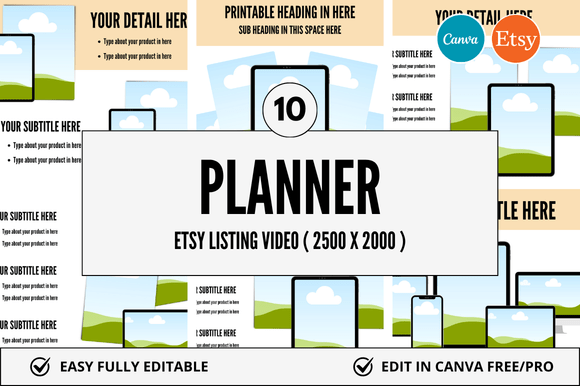
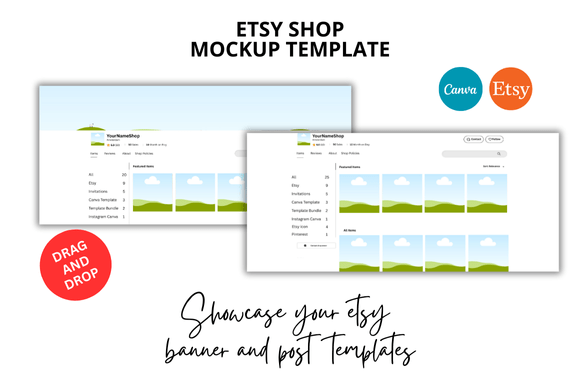
- Think Beyond the Main Listing: Use these scenes to create cohesive Etsy Shop Covers and Etsy Banners. Consistency in your shop's visual branding, from banner to listing thumbnails, significantly boosts professionalism and brand recognition. The included Etsy Listing Video Mockup is a bonus for creating dynamic preview videos, a powerful tool for engagement.
- Consider the Commercial License: This is non-negotiable. Ensure the mockup kit includes a license that allows for commercial use, meaning you can use the final images created with it to sell your products. This protects you and your business.
Ultimately, tools like the 5 Etsy Product Sale Scene are about saving your most precious resource: time. Instead of getting bogged down in the technicalities of creating mockups from scratch, you can focus your energy on what you do best—designing great products and serving your customers. It’s a practical design asset that bridges the gap between a digital file and a compelling sales pitch. By choosing a clean, versatile kit and applying it thoughtfully, you create a more polished, trustworthy, and engaging storefront that resonates with your ideal audience.