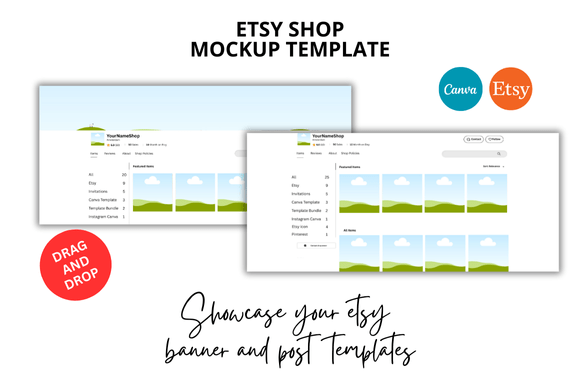
Elevate Your Etsy Shop with Professional Mockups
Creating a cohesive and professional-looking Etsy shop is one of the most effective ways to build trust with potential buyers. Your listings are often the first point of contact, and their visual consistency directly influences how your brand is perceived. A scattered, inconsistent look can confuse visitors, while a clean, unified presentation signals reliability and quality. This is where a dedicated set of templates, like the 20 Etsy Listings Mockup bundle, becomes an invaluable asset for any seller looking to streamline their workflow and elevate their shop's aesthetic.
The Core of a Polished Shop Front
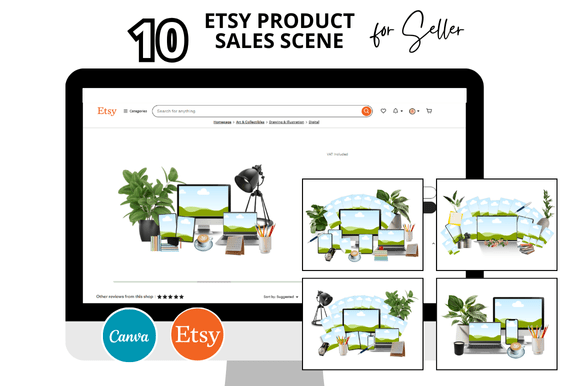
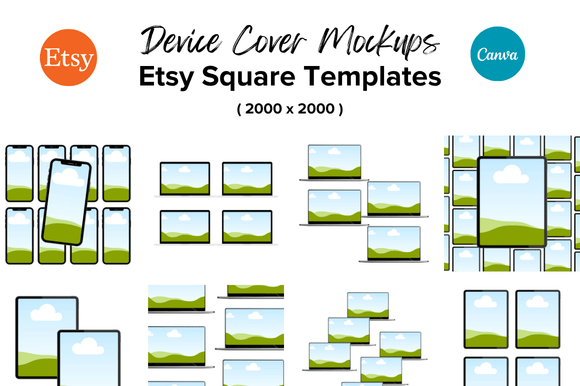
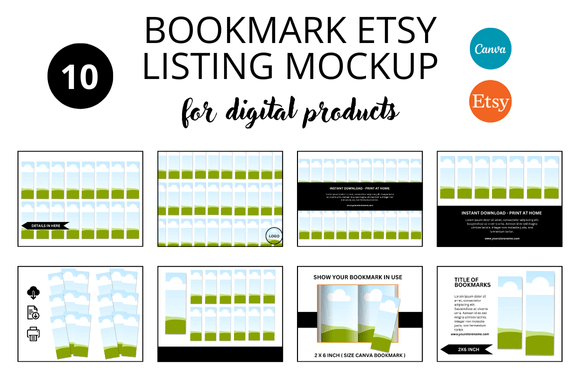
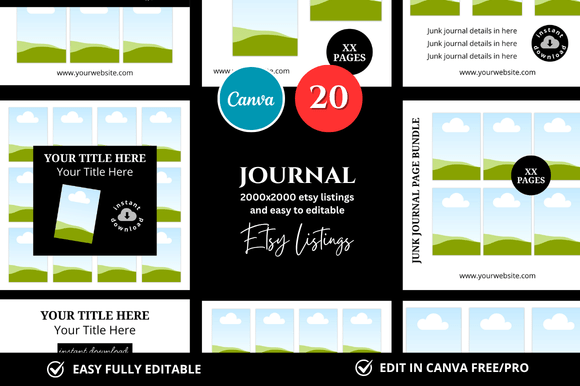
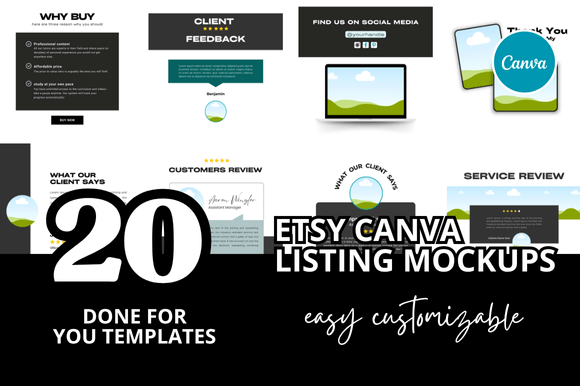
At its heart, the 20 Etsy Listings Mockup package is a collection of Canva templates designed to create uniform, professional square listing images. Each template is sized at the standard 2000 x 2000 pixels, ensuring your images are crisp and properly formatted for the Etsy platform. The visual personality of these mockups is intentionally clean and professional. They avoid overly trendy or distracting elements, focusing instead on creating a neutral, elegant frame for your products. This style is versatile, working equally well for digital planners, printable wall art, craft supplies, or handmade goods. The appeal lies in their ability to make your product the star, using subtle design elements to enhance rather than overshadow your work.
The real-world value of this system extends beyond mere aesthetics. By using a consistent set of Etsy mockup templates, you establish a recognizable brand identity across your entire shop. When a shopper scrolls through your listings, the uniform framing creates a sense of order and professionalism. This visual rhythm makes your shop easier to browse and subconsciously communicates that you are a serious, organized seller. It’s a practical application of modern typography and layout principles—using consistent spacing, alignment, and visual hierarchy to guide the viewer's eye and build brand recognition.
Strategic Applications for Sellers and Creators
These templates are particularly powerful for Etsy digital sellers and printable mockup creators. For a digital product like a planner or journal, you can use the mockups to create a series of images that showcase different sections, features, or color variations of your product. This provides a more comprehensive preview for the buyer, reducing uncertainty and potential refund requests. The Canva templates are fully customizable, allowing you to adjust colors, add your own text overlays, and incorporate your brand's logo design seamlessly. This level of customization ensures your listings feel uniquely yours, even while using a shared template system.
Beyond product display, consider using these templates for social media graphics. The square format is perfect for Instagram posts and Pinterest pins. You can create a cohesive content calendar where your Etsy listing images transition smoothly into your social media feed, reinforcing your brand's visual language everywhere your customers encounter you. This approach strengthens your overall brand identity and makes your marketing efforts more efficient. For sellers offering a range of items, like a printable bundle or an Etsy digital shop bundle, the templates help maintain visual harmony across diverse product categories.
Practical Guidance for Implementation
When integrating a system like the 20 Etsy Listings Mockup into your workflow, start by selecting a base color palette from your existing brand guidelines. Use the Canva editor to set these colors as your defaults within the templates for quick application. Pay close attention to font pairing if you choose to add text. While the templates provide a clean canvas, your choice of typeface for any overlay text should complement your product's style—perhaps a clean sans serif font for modern items or a elegant serif font for classic products. Always prioritize readability; ensure any text is large enough to be read on mobile devices, where most Etsy browsing occurs.
Before committing to a full shop overhaul, test the templates with one or two listings. Evaluate how they look on both desktop and the Etsy mobile app. Check that your product images have enough breathing room within the frame and that the overall composition feels balanced. The goal is to use these design assets to create a professional presentation that feels intentional and tailored to your specific commercial niche. By treating these templates as a starting point for your own creativity rather than a rigid formula, you can efficiently produce a library of cohesive listing images that build credibility and attract your target audience.